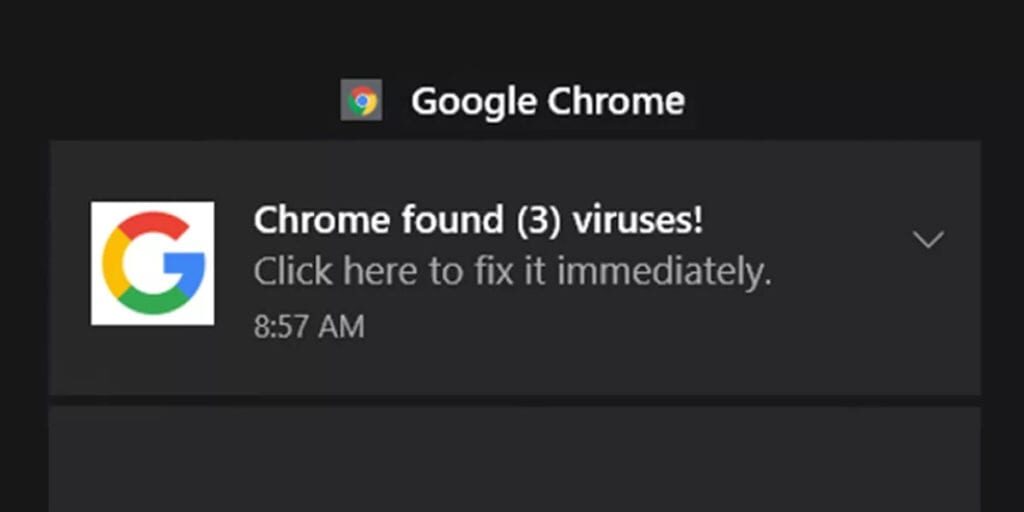
Disable fake google chrome notifications from dishonest sites
TECH TIPS
Have you gotten a notification like this one?
You may have seen notifications similar to the ones below. These notifications are from dishonest websites that are misusing Google chrome’s notification system to show benign messages to try and get you to visit unsafe websites. Learn how to disable these notifications so you don’t risk clicking on misleading messages and getting more than you thought.
How To Stop These Notifications
Open your Google Chrome browser. Go to settings.
Once settings is open, scroll down to site settings
Scroll down to notifications
Do a search for the site that you don’t want to see notifications from. Once found click on the 3 dots next to the website url.
Click Block from the dropdown
Did this tech tip help you?
We include so much more in our newsletter. Get the latest information and tips on tech, business, and more.